
Image Hotspot
The Divi Sensei Image Hotspot allows you to easily highlight your images with hotspots by adding custom tooltips. Add custom content, adjust hotspots positions, add animations and more to make images interactive for visitors.
Already purchased? Log In

All price options are billed annually. You may cancel your subscription at any time. Products subject to a yearly license for support and updates. View terms.
Ninja License
Ninja license can be installed and activated on one site only.
Samurai License
Samurai license can be installed and activated on 3 websites.
Shogun License
Shogun license can be installed and activated on unlimited websites.
All Access Pass
To get access to all Divi Sensei modules with unlimited activations, purchase an All Access Pass here.
Image Hotspot for Divi
Create images with interactive hotspots
Design eye-catchy image hotspots to get more attention from your site visitors with the Image Hotspot module for Divi. This creative module allows you to create beautiful image hotspots with highly customizable tooltips, giving you control over tooltip content, position, and styling options.
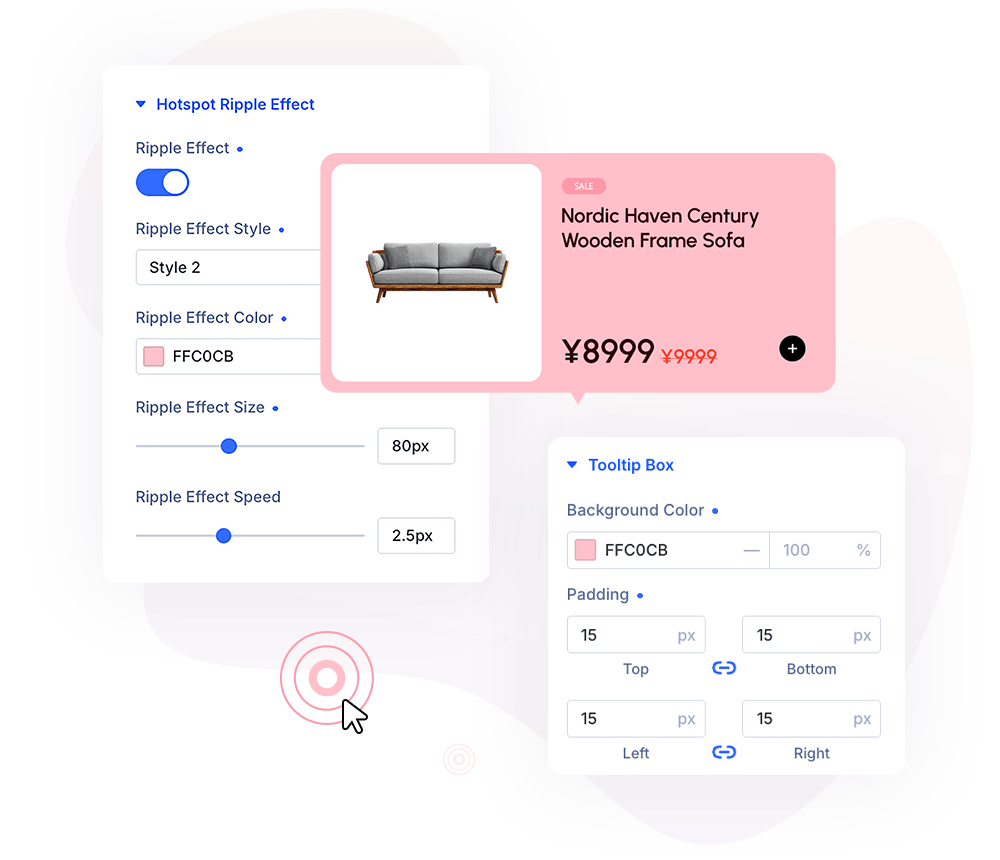
Tooltip Content
Add images, icons, titles, descriptions and buttons
The Image Hotspot module works on the principle of child’s modules. Each newly added item has its own customization options, for creating tooltips, customizing content, hotspots, and tooltip appearance.
Easily Add Tooltips
Highlight Key Product Features
Use icons or images to highlight key product features. Display tooltips with icons, texts, buttons and more. Move the cursor over the pulsing markers to see the details in the tooltip box.
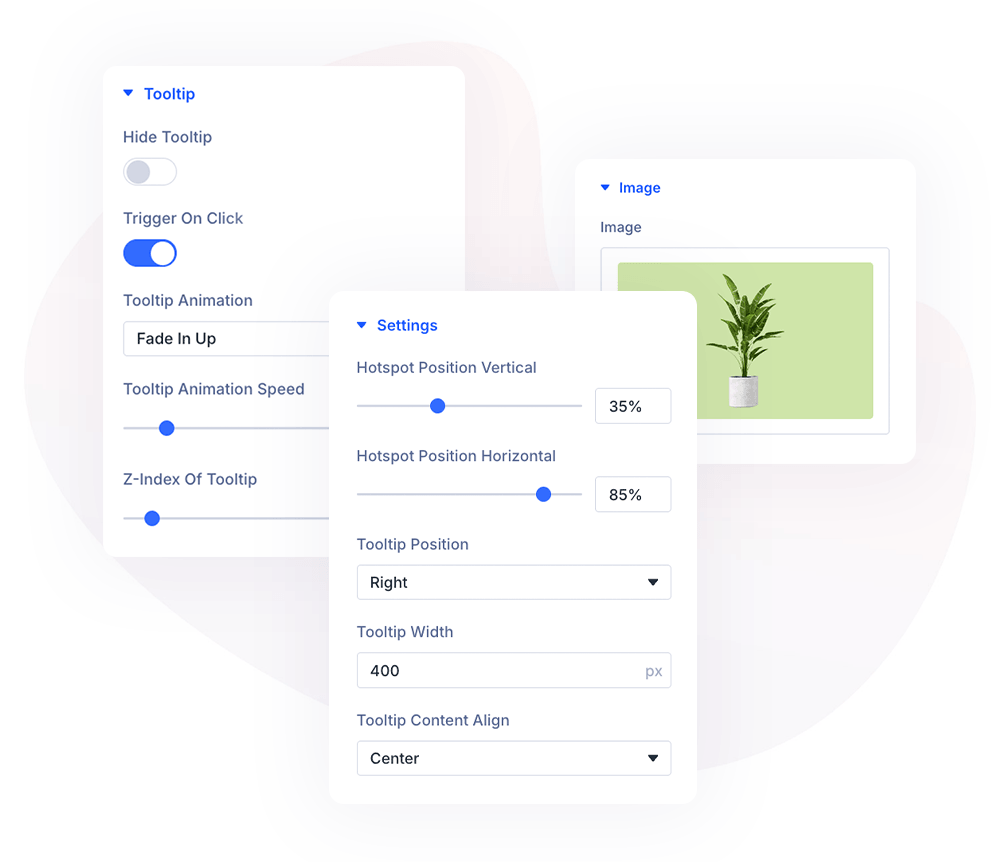
Image Hotspot
Customization Settings
The Image Hotspot module has all the options you need to add a responsive and interactive image to the Divi website. You can add and customize tooltip content, tweak hotspots position, add hotspot pulsing effect and so much more …
Trigger on Hover or Click
Adjust hotspots position
Add hotspot pulsing effect
Set tooltip position
Add tooltip animation
Responsive settings
Triggering Settings
Activate hotspot tooltip on hover or click
The Image Hotspot module can be used for almost anything. It’s great for displaying tooltips that can be activated by hovering the mouse over, or by clicking the hotspot. The intensity of the pulsing effect is also configurable.
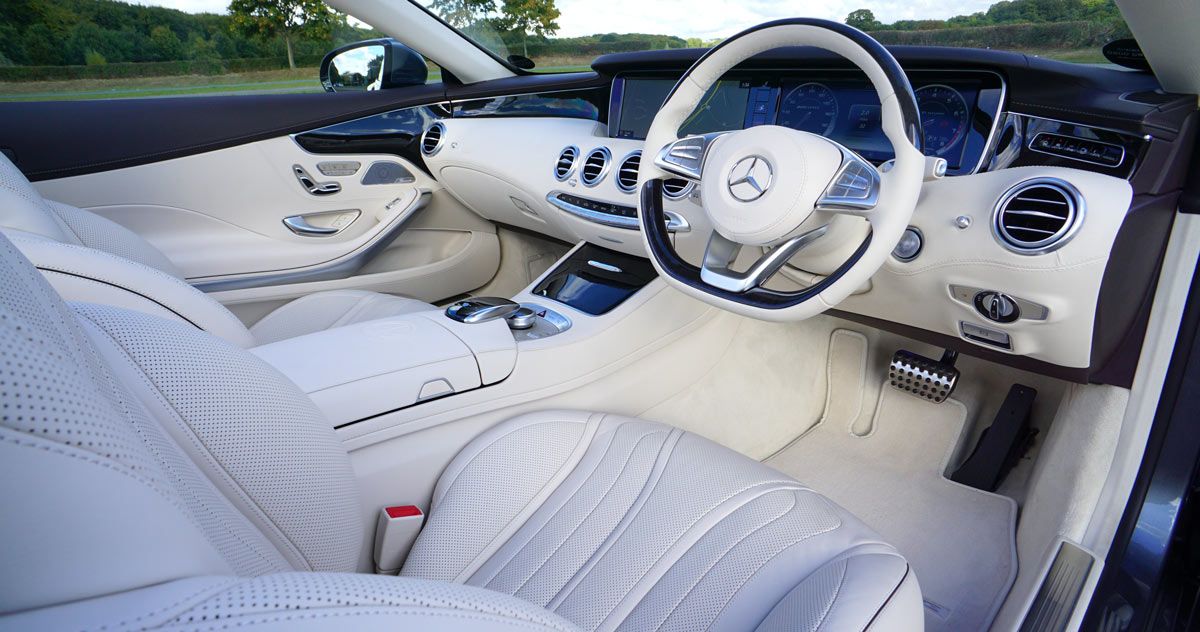
Automatic
Interdum et malesuada fames ac ante ipsum primis in faucibus. Fusce vel libero nunc. Integer mollis.
Comfort
Interdum et malesuada fames ac ante ipsum primis in faucibus. Fusce vel libero nunc. Integer mollis.
Control
Interdum et malesuada fames ac ante ipsum primis in faucibus. Fusce vel libero nunc. Integer mollis.
Illuminate
Interdum et malesuada fames ac ante ipsum primis in faucibus. Fusce vel libero nunc. Integer mollis.
Choose your plan
The Divi Sensei Image Hotspot allows you to easily highlight your images with hotspots by adding custom tooltips. Add custom content, adjust hotspots positions, add animations and more to make images interactive for your site visitors.
All price options are billed annually. You may cancel your subscription at any time. Products subject to a yearly license for support and updates. View terms.
Already purchased? Log In
Already purchased? Log In